What Is the Amazon Buy Box? How to Win It in 2026 (and Why You Lost It)
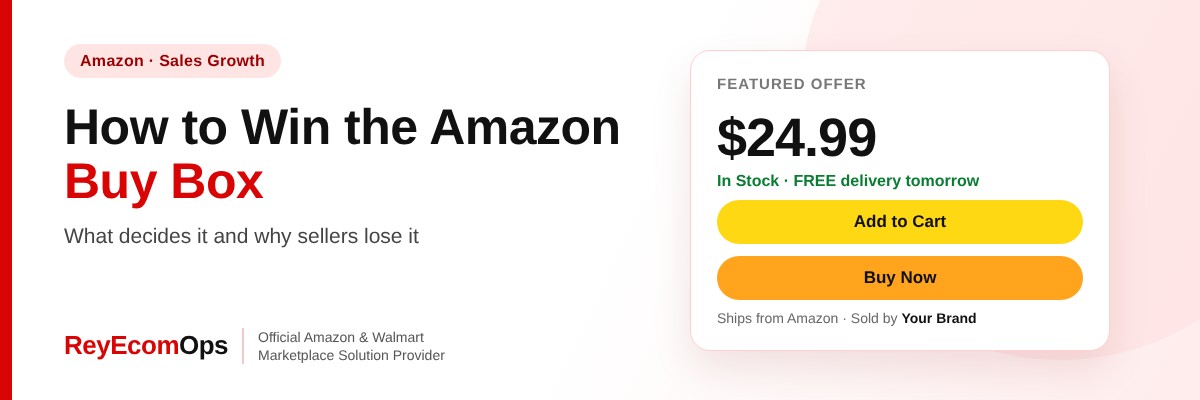
Most Amazon sales go through one button. The Amazon Buy Box is the box on the right of a product page with “Add to Cart” and “Buy Now”. When several sellers offer the same product, only one holds it at a time, and that seller gets most of the orders. Even if you’re the only seller, you can lose it, and conversion drops when you do.
This guide explains how Amazon chooses the winner, the most common reasons sellers lose it, how to fix Buy Box suppression and a checklist to win it back.
Quick answer: The Amazon Buy Box, now called the Featured Offer, is the “Add to Cart” box on a product page, and most sales go to the seller who holds it. Amazon awards it based on price, fulfillment speed, stock and account health. Sellers lose it when they’re out of stock, priced above other offers or other websites, or have weak delivery or account metrics.
In this guide
- What Is the Amazon Buy Box?
- How Amazon Decides Who Wins the Buy Box
- Common Reasons You Lost the Buy Box
- Buy Box Suppression: When Nobody Wins
- Buy Box for Brand Owners vs Resellers
- Can a New Seller Win the Buy Box?
- Your Buy Box Checklist
- Winning the Amazon Buy Box During Black Friday and Cyber Monday
- Example: Getting the Buy Box Back on a Best Seller
- FAQs
1. What Is the Amazon Buy Box?
In Seller Central, Amazon calls the Buy Box the Featured Offer. It’s the offer a shopper buys when they click “Add to Cart”. Other offers appear further down under “Other sellers on Amazon”, where far fewer shoppers look. If nobody is eligible, the page shows “See All Buying Options” instead of an Add to Cart button, which lowers conversion sharply.
You can see your Featured Offer percentage per ASIN in Business Reports. On listings where you are the only seller, anything below 100% means you are losing sales to suppression.
2. How Amazon Decides Who Wins the Buy Box
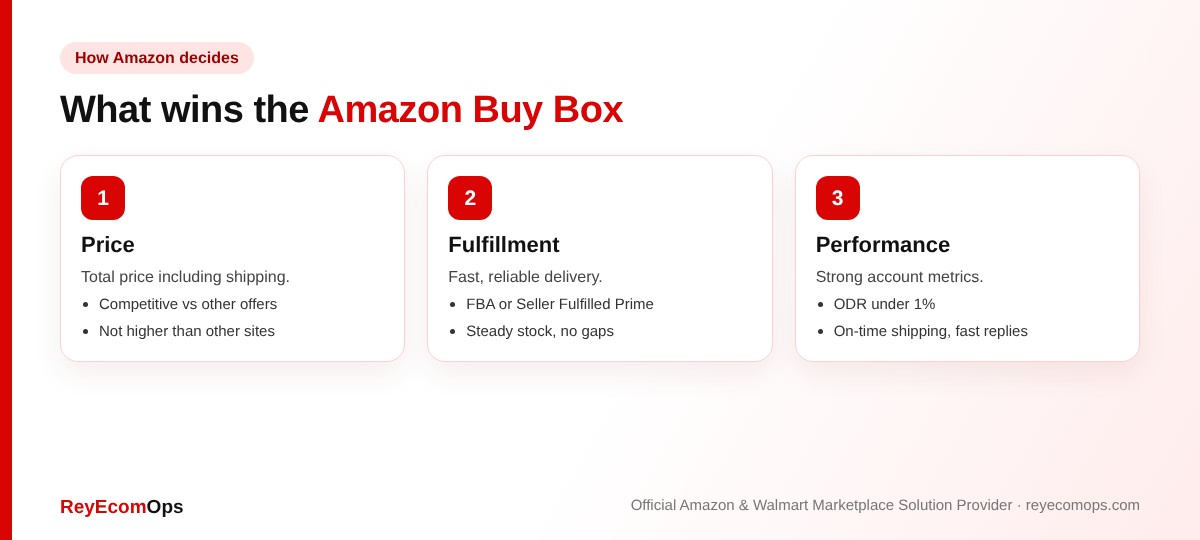
| Factor | What helps |
|---|---|
| Total price | Competitive price plus shipping vs other offers and other sites |
| Fulfillment method | FBA or Seller Fulfilled Prime usually perform well |
| Delivery speed | Fast, reliable delivery promises |
| Stock | Consistent availability with no gaps |
| Account health | Low Order Defect Rate, on-time shipping, valid tracking |
| Customer experience | Good seller feedback and replies within 24 hours |
Amazon doesn’t publish an exact formula, and it rotates the Buy Box between eligible offers that are close on price and performance. That’s why small improvements in delivery speed often win more Buy Box time than price cuts.
3. Common Reasons You Lost the Buy Box
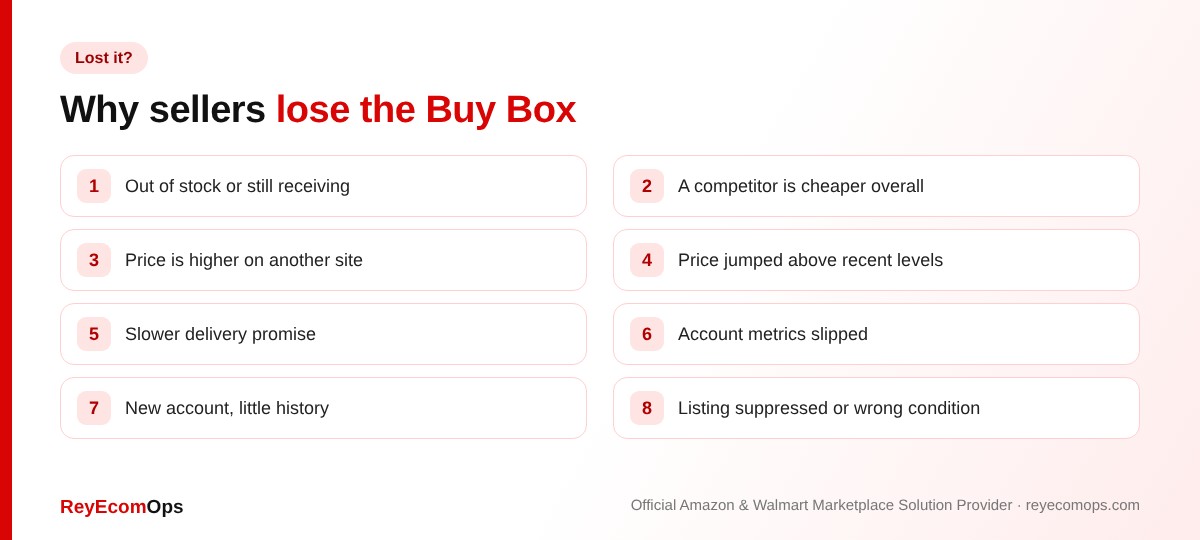
A. Stock problems
Running out of stock, or stock that’s still being received at a warehouse, removes your offer immediately. In Q4, receiving can take longer than usual, so send replenishment earlier.
B. Price problems
Another seller may be cheaper on total price, or your price may be higher than on another major website. Amazon may also flag a price that jumped well above recent levels.
C. Performance problems
Slower delivery promises, rising late shipments or defects, or a new account without enough history all lower your chances. Protect the metrics with weekly account health monitoring.
D. Listing and seller problems
A suppressed listing, a condition mismatch or unauthorized resellers offering lower prices on your brand’s listing can all take the Buy Box away.
Losing the Buy Box on your best sellers?
We’ll check pricing, stock and metrics and show you what’s costing you sales.
4. Buy Box Suppression: When Nobody Wins
Sometimes no seller holds the Buy Box and the page shows “See All Buying Options”. This usually happens when Amazon decides the price isn’t competitive, often because the item is cheaper elsewhere. To fix it:
- Check the price on other channels, including your own website and Walmart.
- Match or lower the Amazon price if it’s meaningfully higher.
- Check the Pricing Health page in Seller Central for alerts.
- Make sure the listing is active and not suppressed for a content issue.
Pro tip: before cutting price, check the new margin with the free Amazon margin calculator. Winning the Buy Box at a loss isn’t a win.
5. Buy Box for Brand Owners vs Resellers
A. Brand owners
If you’re the only seller, your job is to stay eligible: keep stock, keep prices consistent across channels and keep metrics healthy. If other sellers appear on your listing, check whether they’re authorized. Brand Registry gives you tools to report counterfeit offers.
B. Resellers
The Buy Box is shared with competing sellers and rotates between eligible offers. Repricing tools help, but set a minimum price based on real margin. Many resellers find FBA wins more Buy Box time than cutting price.
6. Can a New Seller Win the Buy Box?
Yes, but it can take time. Amazon wants to see a record of on-time shipping and low defects first. Using FBA, keeping stock steady and pricing competitively help new sellers become eligible faster.
7. Your Buy Box Checklist
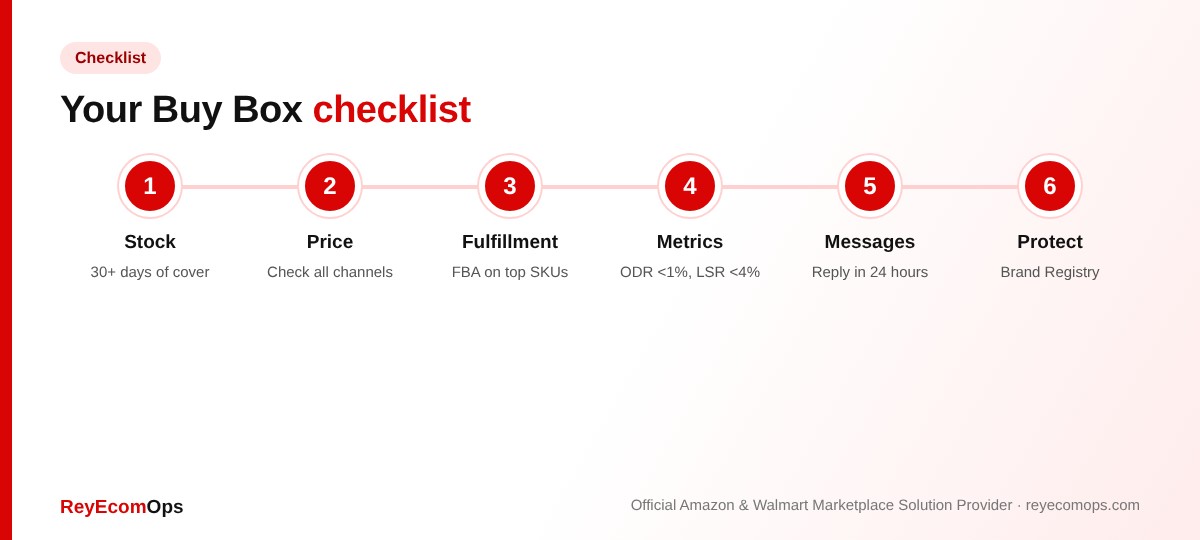
- Stock covers at least 30 days of sales, with restock planned before Q4 cut-offs
- Total price competitive with other offers and other sites
- FBA or Seller Fulfilled Prime on top SKUs
- Order Defect Rate under 1%, Late Shipment Rate under 4%
- Buyer messages answered within 24 hours
- No alerts on the Pricing Health page
- Brand Registry protecting your listings
Our Amazon account management team tracks pricing, stock and competitors daily. If a deactivation is behind the lost Buy Box, see what to do when your Amazon seller account is deactivated.
8. Winning the Amazon Buy Box During Black Friday and Cyber Monday
The Amazon Buy Box changes hands more often in Q4. Competitors run deals, stock sells out faster and warehouses take longer to receive. A few habits protect it through the peak:
- Send replenishment early, because stock still being received doesn’t count as available.
- Plan deal prices in advance so a sudden drop doesn’t break your margin or trigger a price alert later.
- Keep seller-fulfilled handling times realistic so delivery promises stay fast and reliable.
- Watch the Featured Offer percentage daily on your top 20 ASINs.
If you plan to run deals, read our guide to Amazon’s 2026 holiday return policy too. Strong Q4 sales come with January returns.
9. Example: Getting the Buy Box Back on a Best Seller
A kitchenware brand saw its Featured Offer percentage on its best seller fall from 98% to 41% in two weeks. The checks above found two causes:
| What we found | What changed | Result |
|---|---|---|
| The same item was cheaper on the brand’s own website | Prices aligned across channels | “See All Buying Options” disappeared |
| An unauthorized reseller undercut on a damaged-box offer | Brand Registry report filed; condition mismatch raised | Reseller offer removed |
| Late Shipment Rate drifting up on FBM backup stock | Handling time increased by one day | Delivery promise steady |
Within ten days the Featured Offer percentage was back above 95%. None of the fixes needed a price cut on Amazon.
Key takeaways
- The Buy Box, now the Featured Offer, wins most sales on a listing.
- Price, fulfillment speed, stock and account health decide the winner.
- A higher price on another website can remove the Buy Box for everyone.
- Check margin before cutting price to win it.
- FBA and steady stock help new sellers become eligible.